
Announcement Bar
The Announcement Bar in the Renovate theme serves as an efficient tool for communicating essential updates to customers. Located prominently at the below of the header section, it excels in showcasing promotions, shipping information, and critical announcements. Easily configurable and repositionable via the theme editor, it ensures customers remain informed seamlessly, without disrupting their browsing experience.
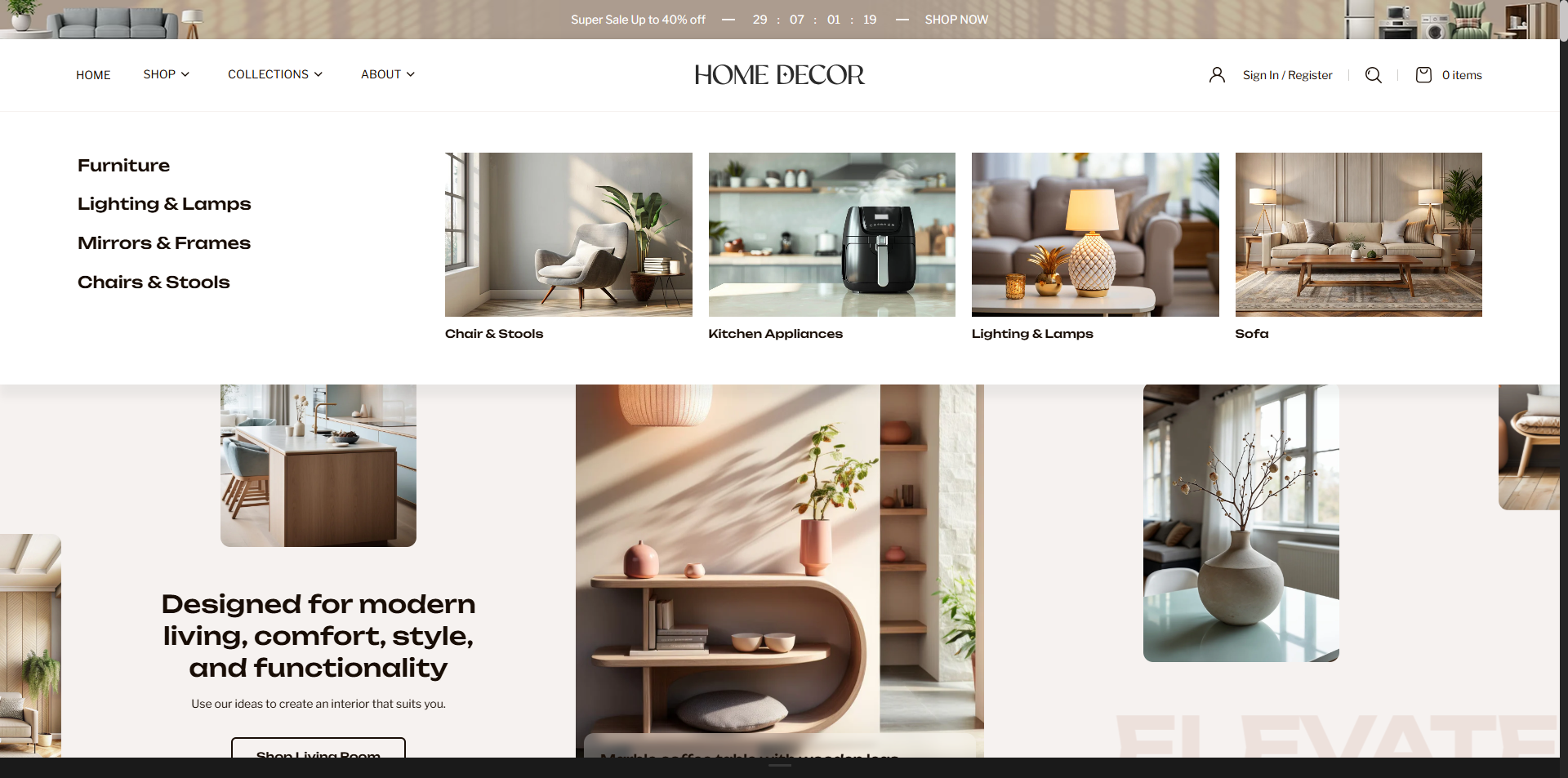
How to Configure the Announcement Bar
- From your Shopify admin, go to Online Store → Themes.
- Click Customize on the Renovate theme.
- In the Theme Editor, select the Announcement section from the left sidebar.
- Adjust the settings, blocks, and layout options according to your preferences.
- Click Save to apply your changes.
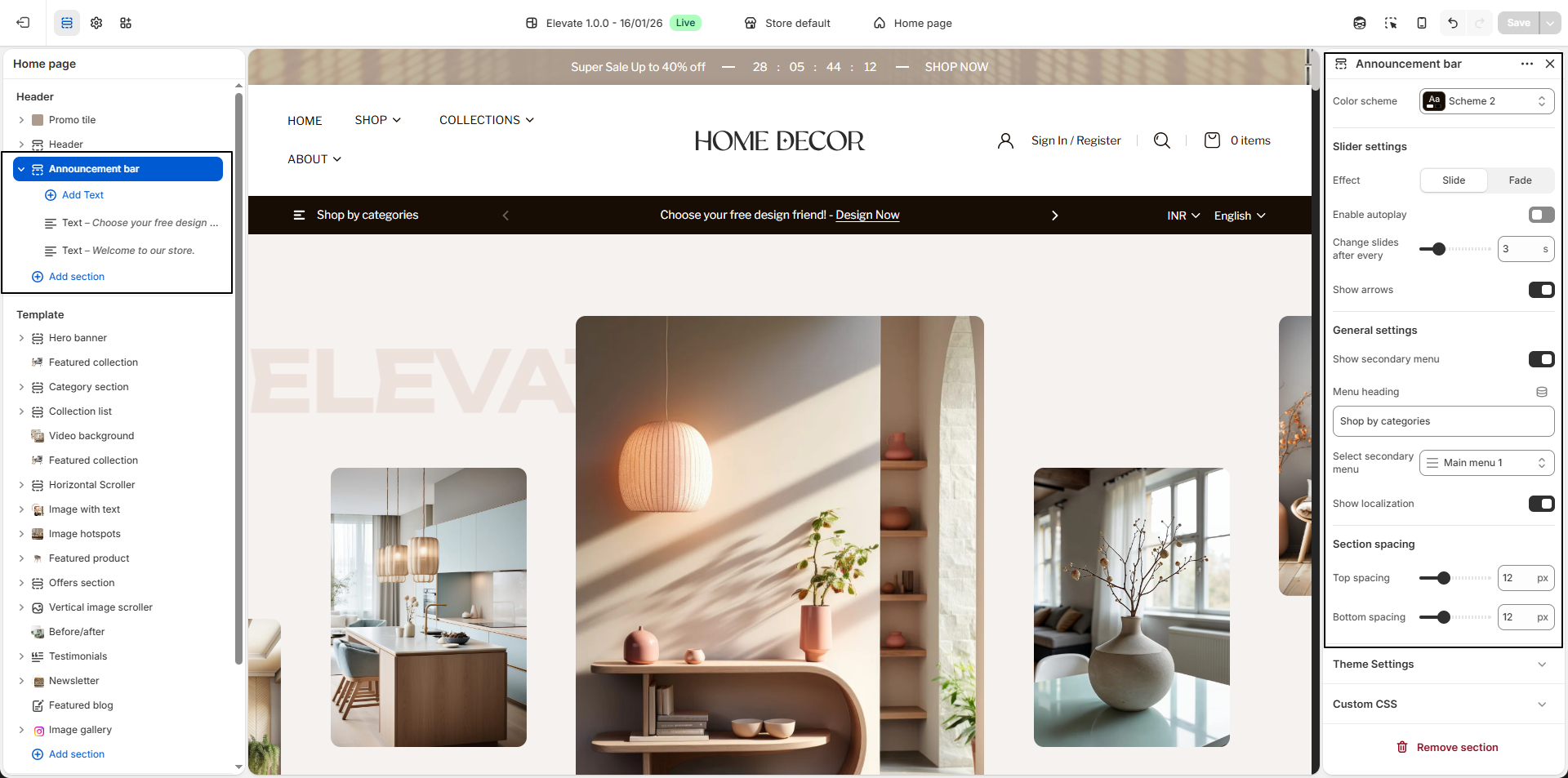
How to Configure the Announcement Bar Settings
- Color Scheme: Select a color scheme (e.g., Scheme 2) to define the background, text, and overall appearance of the announcement bar.
- Max Width: Set the maximum width of the announcement bar (e.g., 1430px) to control how wide it appears across the screen.
- Border Radius: Adjust the bottom corner rounding (e.g., 10px) to give the announcement bar a softer, modern look.
- Font Size: Define the size of the announcement text (e.g., 12px) for better readability.
-
Display Type:
Choose how announcement content is displayed:
-
Slider: Displays multiple announcements as slides.
- Effect: Choose transition style:
- Slide: Standard sliding transition.
- Fade: Smooth fade effect between slides.
- Enable Autoplay: Automatically rotates announcement slides.
- Change Slides After Every: Set the time interval (e.g., 3 seconds).
- Show Arrows: Enable navigation arrows for manual slide control.
- Effect: Choose transition style:
-
Slider: Displays multiple announcements as slides.
- Show Secondary Menu: Enable this option to display an additional menu on the left side of the bar.
- Menu Heading: Enter a title for the secondary menu.
- Select Secondary Menu: Choose the menu (e.g., Main Menu 1) to display as the secondary navigation.
- Show Localization: Enable this option to display the language and currency selectors in the header.