
Featured Blog
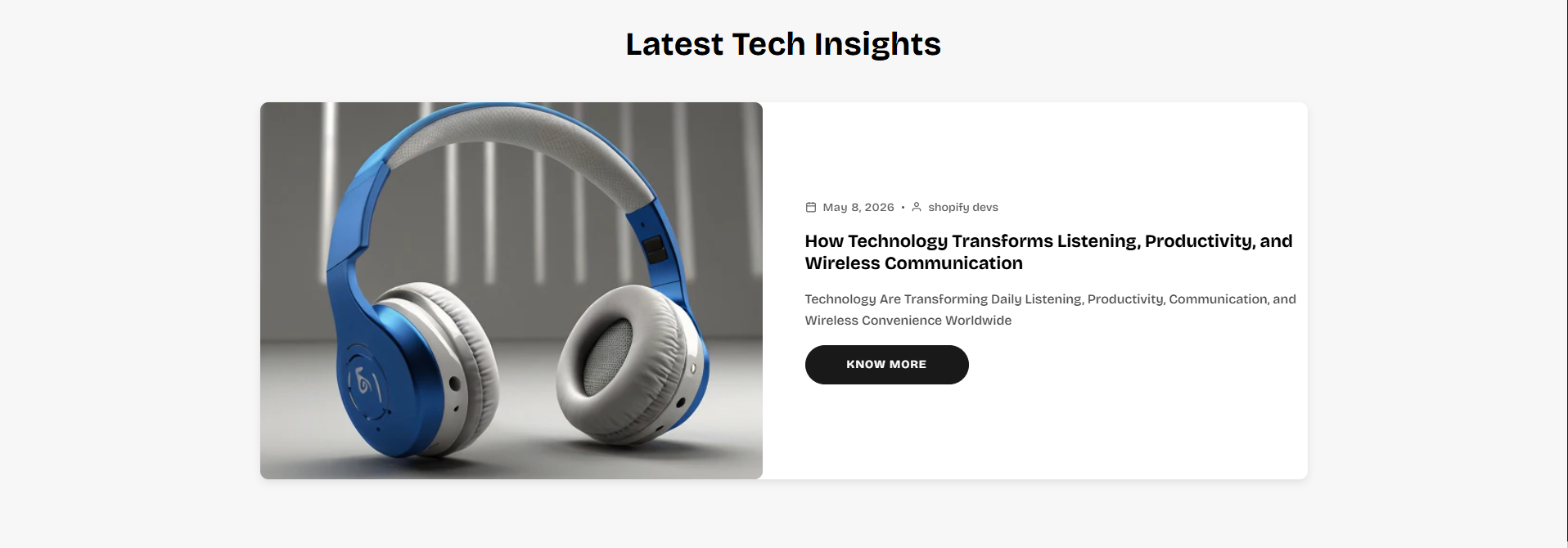
The Featured Blog section allows merchants to showcase recent blog articles, announcements, guides, and editorial content in a visually engaging layout. This section helps improve customer engagement, drive blog traffic, and highlight important content directly on the storefront.
With flexible layout modes, overlapping sticky card layouts, customizable buttons, slider functionality, responsive controls, article badges, autoplay settings, and spacing customization, the Featured Blog section creates a modern and interactive blog showcase experience across all devices.
How to Add the Featured Blog Section
- From your Shopify admin, go to Online Store → Themes.
- Click Customize on the Voltix theme.
- In the Theme Editor, click Add section.
- Select Featured Blog from the available sections.
- Configure the section settings including blog selection, layout styles, article cards, slider behavior, autoplay controls, spacing, and appearance settings.
- Select a Shopify blog source to automatically display blog articles inside the section.
- Click Save to publish your changes.
How To Configure The Featured Blog Settings
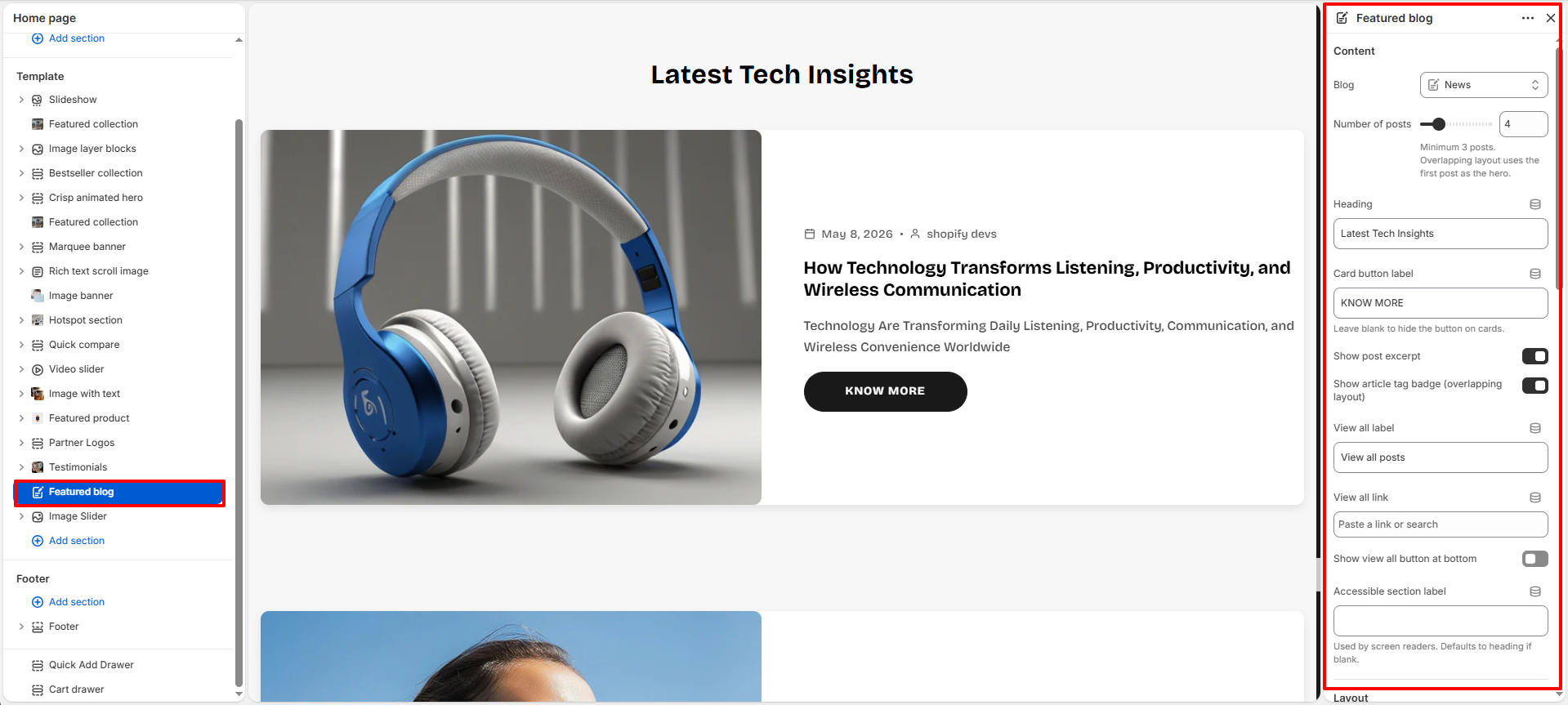
The section settings allow you to control the overall appearance, article layout, responsiveness, slider behavior, content visibility, and spacing for the Featured Blog section.
- Blog: Select the Shopify blog source used to display articles.
- Number of Posts: Choose how many blog articles appear inside the section.
- Heading: Add the main heading displayed above the blog articles.
- Card Button Label: Customize the button text displayed on article cards.
- Show Post Excerpt: Enable or disable blog article excerpt visibility.
- Show Article Tag Badge: Display article tags as badges on overlapping layouts.
- View All Label: Customize the text displayed for the view-all button.
- View All Link: Assign a destination link for the view-all button.
- Show View All Button At Bottom: Move the view-all button below the section content.
- Accessible Section Label: Add accessibility labels for improved screen-reader support.
- Layout Mode: Choose different blog layout styles including sticky overlapping cards and sliders.
- Color Scheme: Select the color scheme used for the blog section.
- Section Width: Choose between Page Width or Full Width layouts.
- Card Image Ratio: Control the aspect ratio used for blog article images.
- Card Corner Radius: Adjust the rounded corner styling for article cards.
- Card Gap: Control spacing between blog cards.
- Enable Scroll Reveal Animations: Add scroll-based reveal animations to blog cards.
- Desktop Columns For Sticky Cards: Configure the number of overlapping columns displayed on desktop devices.
- Show Navigation Arrows: Enable or disable slider navigation arrows.
- Arrow Position: Adjust the placement of slider navigation arrows.
- Show Pagination Dots: Display pagination indicators below the slider.
- Autoplay Slider: Automatically rotate blog slides.
- Autoplay Delay: Control the delay timing between automatic slide transitions.
- Slide Transition Speed: Adjust the animation speed between slider transitions.
- Top Padding: Add spacing above the section.
- Bottom Padding: Add spacing below the section.
- Top Margin: Adjust outer spacing above the section container.
- Bottom Margin: Adjust outer spacing below the section container.