Announcement Bar
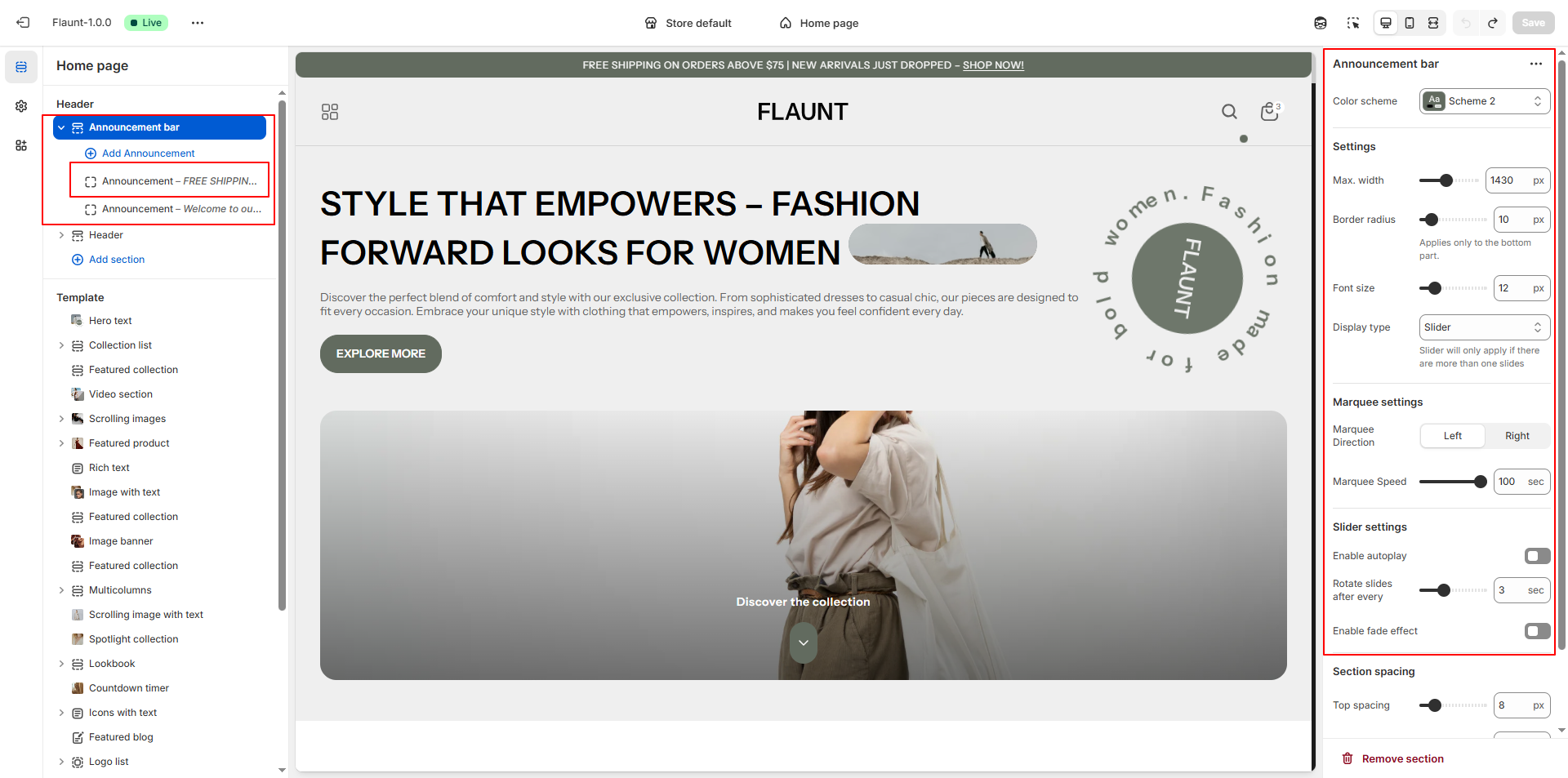
The Announcement Bar in the Flaunt theme is a simple yet effective way to share important updates with your customers. Positioned at the very top of your store, it’s perfect for highlighting promotions, shipping details, or key notices. You can easily enable, customize, or reposition it within the theme editor to keep your customers informed without interrupting their shopping experience.
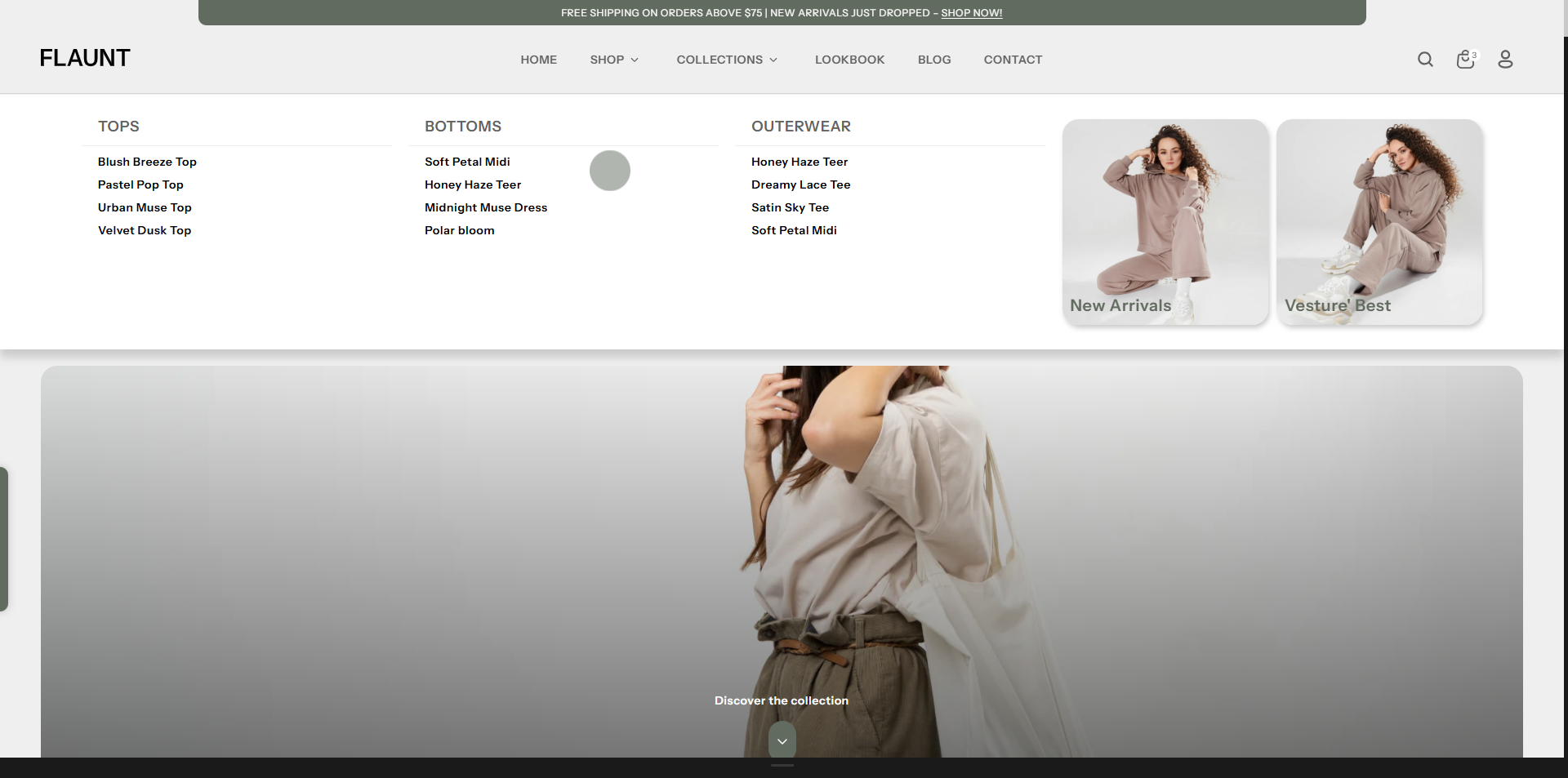
As the first thing customers see, the header helps establish a strong, memorable brand presence. The Flaunt theme offers multiple header layouts and well-designed icons for the cart, account, and search.
How to Configure the Announcement Bar
- From your Shopify admin, go to Online Store → Themes.
- Click Customize on the Flaunt theme.
- In the Theme Editor, select the Announcement section from the left sidebar.
- Adjust the settings, blocks, and layout options according to your preferences.
- Click Save to apply your changes.
How to Configure the Announcement Bar Settings
- Enable Top & Bottom Spacing: Turn this on to add extra spacing above and below the announcement bar, helping it stand out from surrounding sections.
- Max. Width: Set the maximum width for the announcement bar (default 1430px).
- Border Radius: Round the bottom edges of the announcement bar (default 10px, applies only to the bottom part).
- Font Size: Define the size of the announcement text (default 12px).
- Display Type: Choose how announcements appear:
- Slider: Activates when more than one slide is added.
Options:- Enable Autoplay: Automatically rotate slides.
- Rotate Slides After Every: Set time interval (e.g., 3 seconds).
- Enable Fade Effect: Adds a fade transition between slides.
- Marquee: Displays scrolling text.
Options:- Marquee Direction: Choose Left or Right.
- Marquee Speed: Adjust scroll speed (default 100).
- Slider: Activates when more than one slide is added.