
Logo List
The Logo List section in your Flaunt theme is ideal for showcasing brand partnerships, client logos, or affiliations to build credibility and trust. Easily add and customize multiple logos to align with your store's design for a professional, trustworthy display.
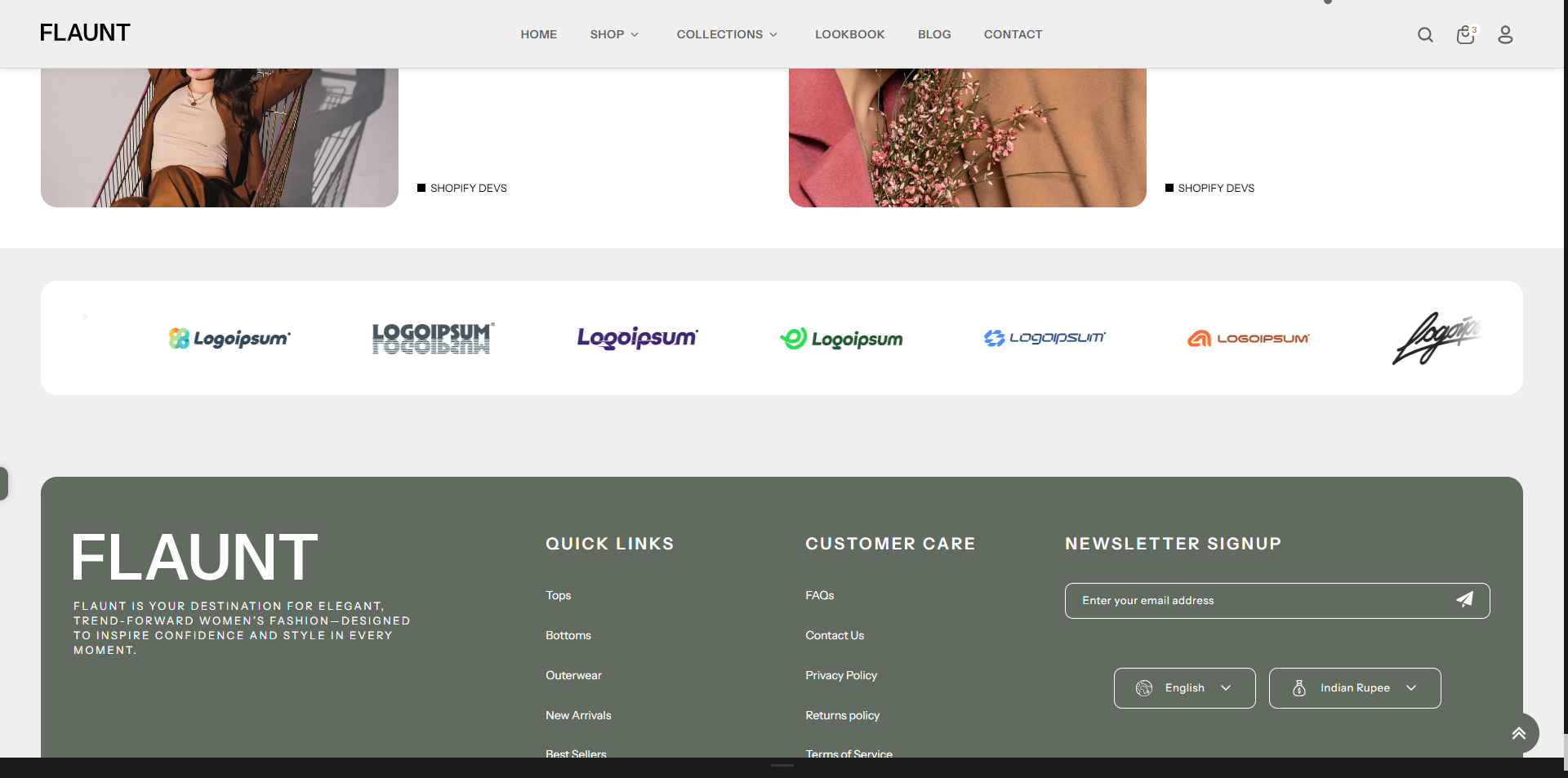
How to add an Logo List to your Shopify store
- Open the Customizer and go to the page where you want to add the "Logo List" section.
- On the left-hand side, you'll find a list of available sections. Click the "Add section" button.
- From the available options, choose "Logo List"to add it to your page.
How to edit an Logo List section
To edit the logo list section in your Shopify theme, Flaunt, follow these steps:
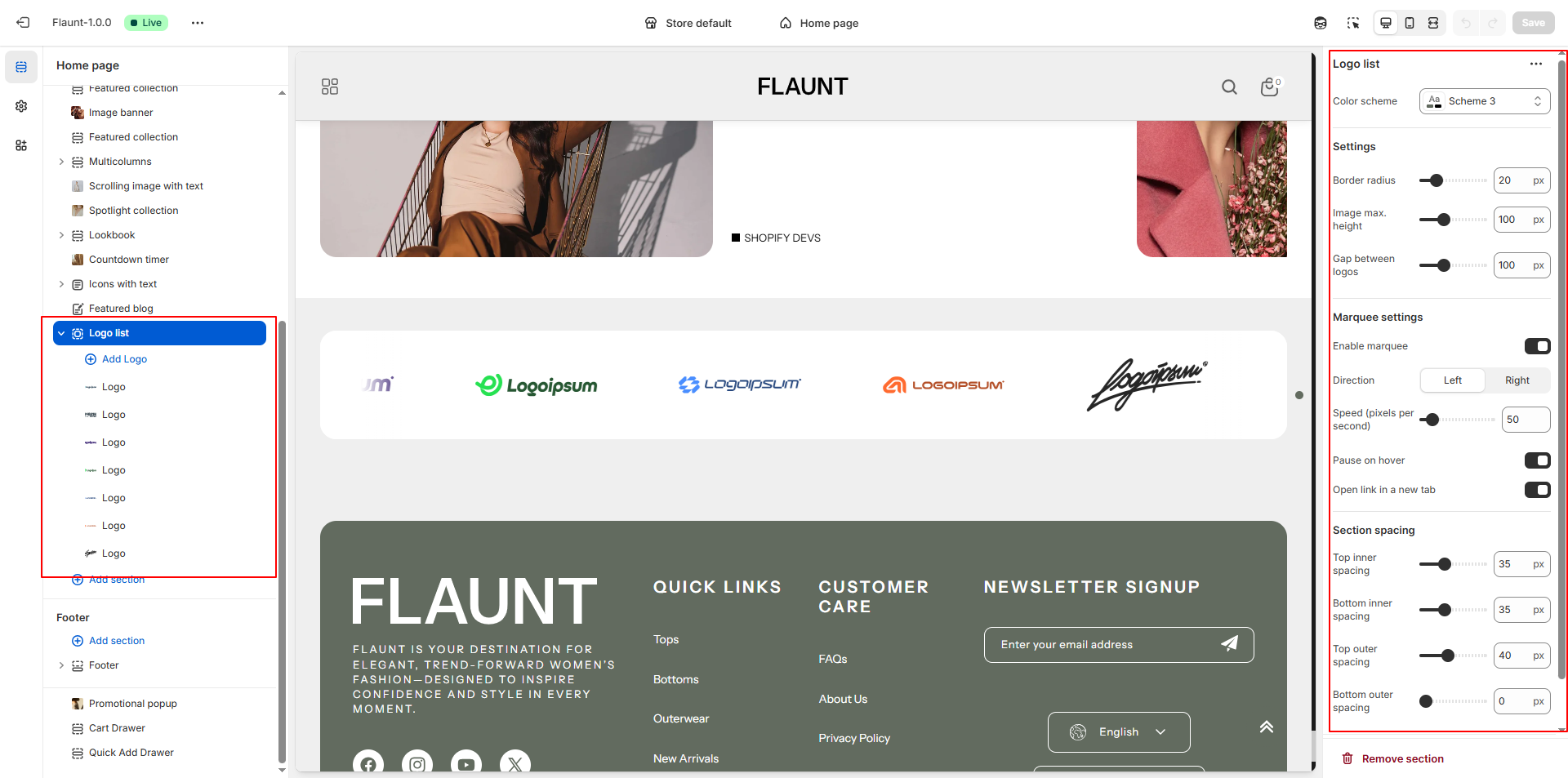
1. Set Color Scheme
- Choose the Color Scheme for the section to match your store's design.
2. Adjust Scroll Speed
- For Desktop: Look for an option labeled Scroll Speed on Desktop, then Set the value to adjust it to your preferred speed.
- For Mobile: Locate the Scroll Speed on Mobile setting, then Set the value to your desired speed.
3. Add or Edit Logo Block
- Under Image, click Select Image to upload images, choose from existing ones, or explore free images.
- Use the Image Link field to add a URL to each image, allowing customers to click through to a relevant page.