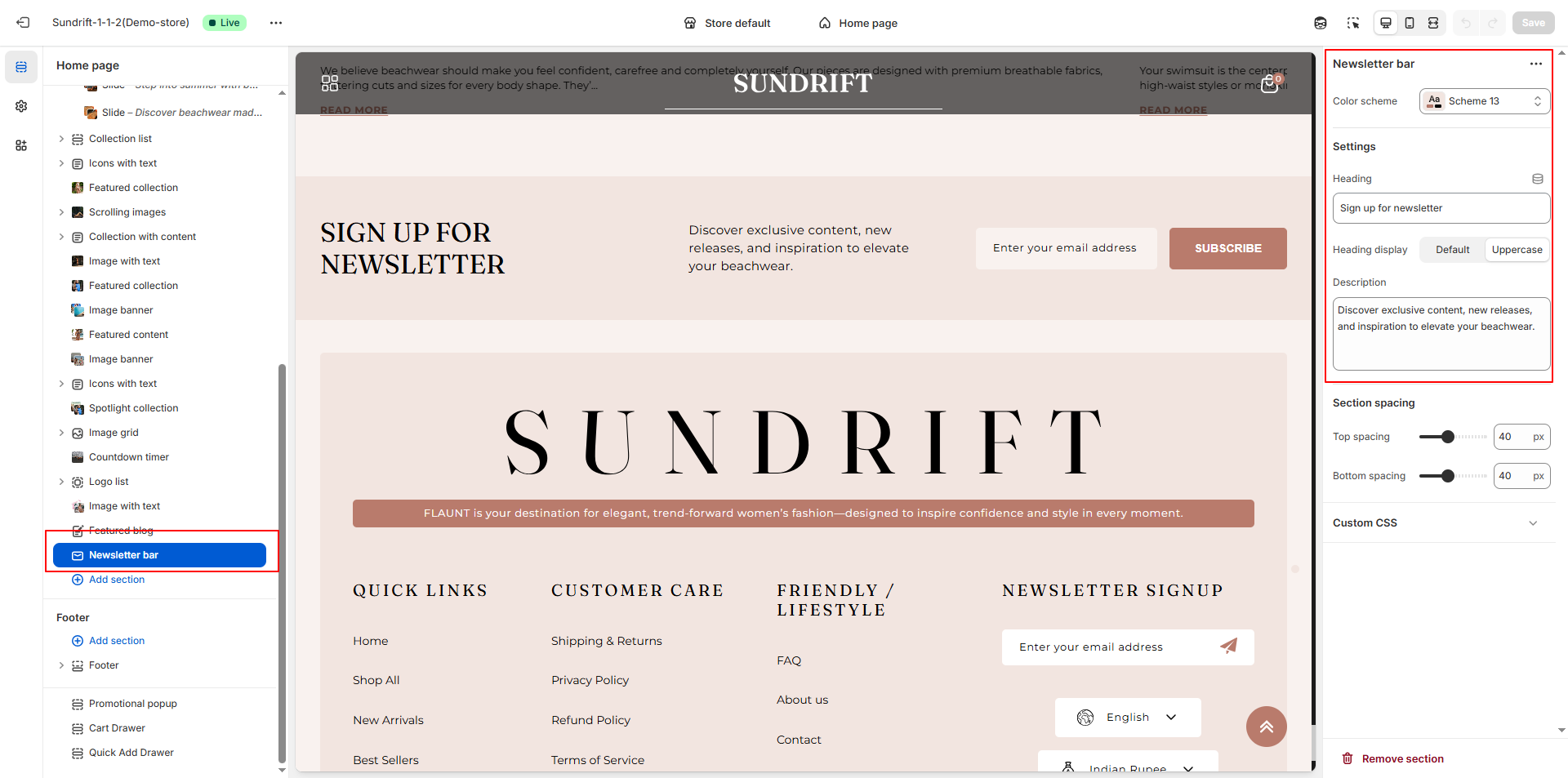
Newsletter
The Newsletter section in Flaunt is designed to help you grow your email list and engage with customers. Featuring a compelling headline, customizable text, and input fields for names and email addresses, this section encourages visitors to subscribe for exclusive offers and updates. It includes a visually appealing layout with a split design that pairs promotional text with an image, creating a modern and professional look.
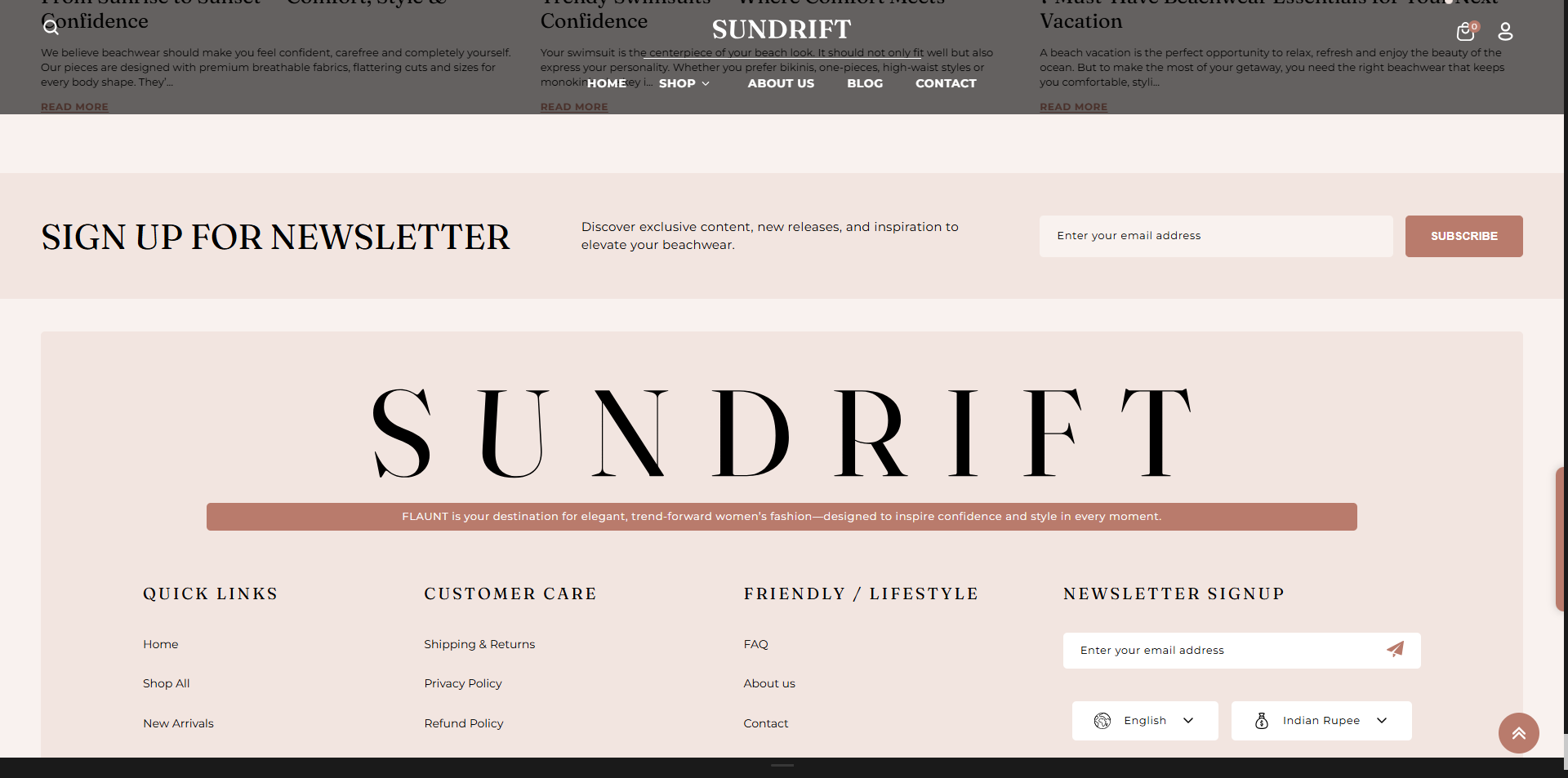
Adding the Newsletter section
- From your Shopify admin, go to Online Store → Themes.
- Click Customize on the Flaunt theme.
- In the Theme Editor, select the Newsletter section from the left sidebar.
- Adjust the settings, blocks, and layout options according to your preferences.
- Click Save to apply your changes.
How to edit the Newsletter section
- From your Shopify admin: Go to Online Store → Themes.
- Click Customize: Open the Opulence theme in the Theme Editor.
- Navigate to Theme Settings: Located in the bottom-left corner of the editor.
- Select Newsletter Bar: Open the Newsletter Bar settings panel.
- Color Scheme: Choose your preferred color scheme to match your branding.
- Heading: Enter the text you want displayed on the bar.
- Heading Display: Choose between:
- Default: Standard text styling.
- Uppercase: Converts heading text to uppercase for emphasis.
- Description: Add supporting text to encourage sign-ups, such as promotions or benefits.