
Cart
In the Dynamic theme, the Cart acts as a central review point where customers can easily manage their selected items before checkout. It presents a clear summary of products, quantities, and pricing, allowing shoppers to update quantities or remove items effortlessly.
Dynamic enhances the cart experience with conversion-focused features such as promotional messages, discount entry options, and custom notices—helping guide customers smoothly toward checkout while boosting confidence and completion rates.
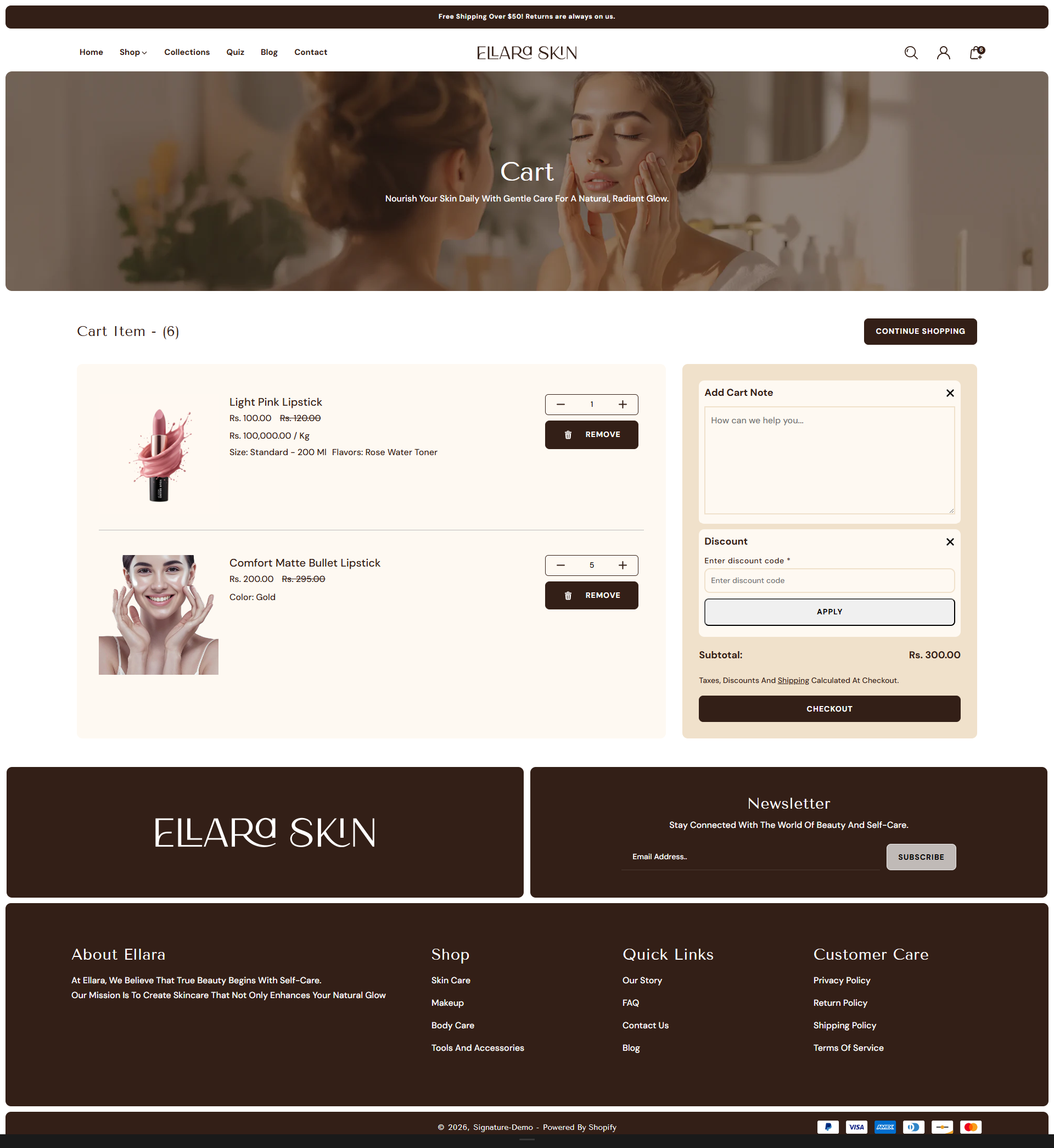
How to Configure the Cart
The Cart in the Dynamic theme lets customers review their selected products before moving to checkout. You can choose how the cart is displayed and enable helpful options that make the buying process smoother and more user-friendly.
To customize the cart settings, follow these steps:
- From your Shopify admin, go to Online Store ? Themes and click Customize on the Dynamic theme.
- In the Theme Editor sidebar, open the Cart or Cart & Cart Drawer settings.
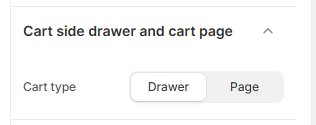
- Cart Type: Select whether the cart should appear as a Drawer or a full Cart Page when products are added.
How to Enable Additional Blocks on the Cart Page
- From your Shopify admin, go to Online Store ? Themes and click Customize on the Dynamic theme.
- In the Theme Editor, use the page selector dropdown at the top and select Cart.
- From the left sidebar, open the Cart or Cart & Cart Drawer section.
-
Enable the additional options according to your needs:
- Color Scheme: Choose a color scheme (e.g., Scheme 3) for the cart layout.
- Section Border Radius: Adjust the corner rounding of the cart section (e.g., 10px).
- Show Tax Information: Display tax-related details in the cart.
- Show Cart Note: Allow customers to add special instructions with their order.
- Show Discount: Enable the discount code field directly in the cart.
- Click Save to apply your changes.